Something interesting is happening in software engineering right now.
We are no longer just writing code. We are collaborating with AI to design systems, explore ideas, automate workflows, and build software faster than ever before.
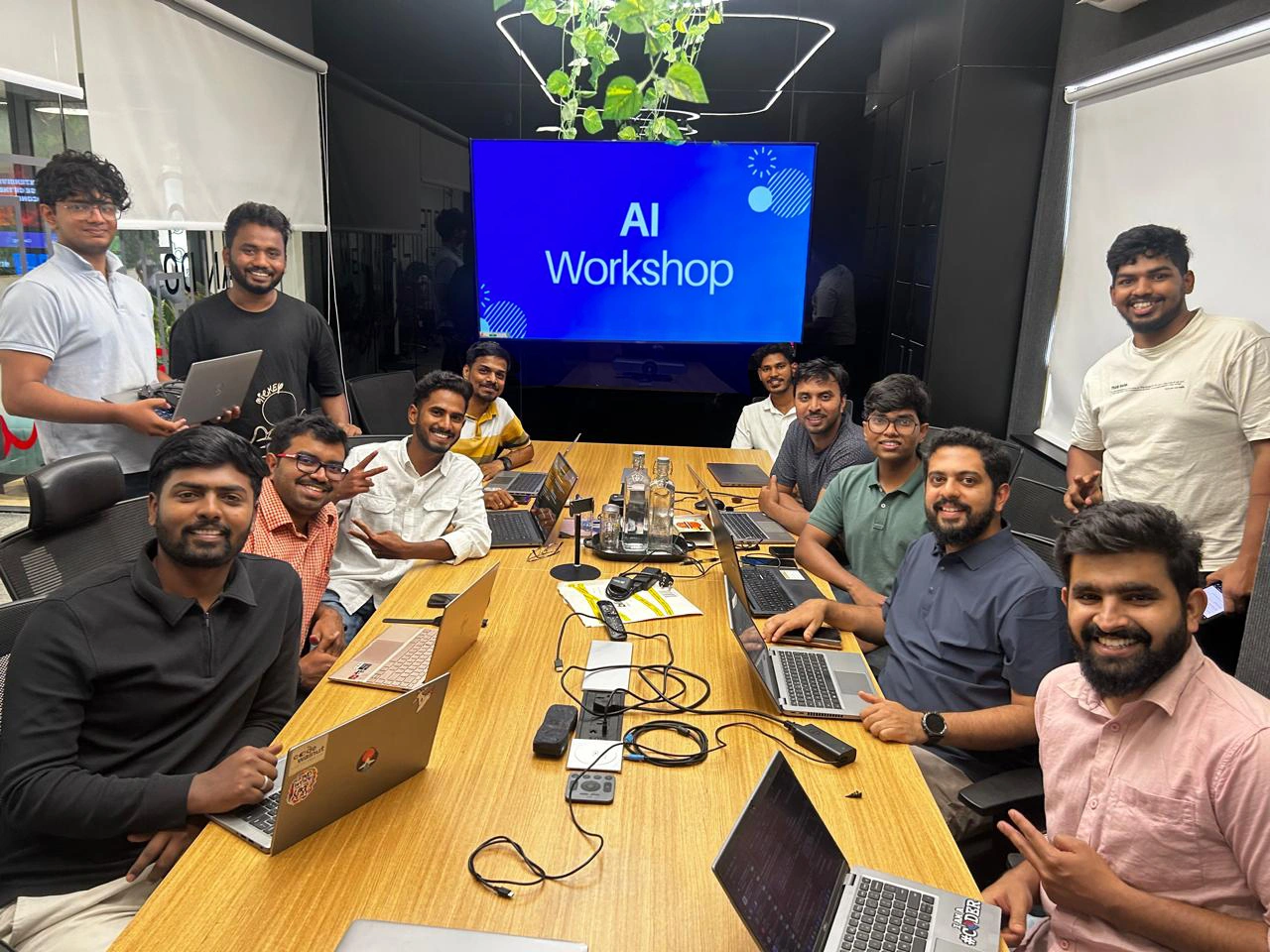
To explore this shift and help our engineering team experience this transformation firsthand, we recently hosted an AI-Native Development Workshop, led by Vishnu and Ranjan.
The objective was simple: Help developers understand how modern AI tools and agents are changing the way software is built.
Our mission was to find out how to write without writing a single line of code. instead command AI agents and get the software built incrementally.
We explored the idea of multiple agents specific to code, to review, to test and to deploy.
Workshop Timeline
Understanding the AI-Native Development Stack
The workshop kicked off at 9:00 AM with an overview of the rapidly evolving ecosystem of AI tools.
Instead of starting with theory, we jumped straight into exploring the AI-native developer ecosystem.
Together, we explored popular tools available today and discussed how they can assist developers beyond traditional autocomplete features.
Some of the topics we covered included:
- Popular coding agents and AI-powered development tools
- Token economics and subscription usage patterns
- Using custom guidelines to control AI agent behavior
- AI-assisted development environments
- Configuration-driven AI workflows
AI model pricing uses token economics: fixed rates per million input and higher rates for output tokens. Some plans (e.g., Cursor Pro) charge users directly, while others (e.g., Claude Code, Codex, Copilot) heavily subsidize usage, offering value far exceeding subscription costs. Understanding this is key to efficient, rate-limit-aware tool usage.
We also explored configuration files such as AGENTS.md and CLAUDE.md, which help guide AI agents inside a project and make their outputs more consistent.
Designing with AI Before Writing Code
One of the most major takeaway from the workshop was this:
AI should not just be used for writing code, it should also be used for thinking.
Before writing a single line of code, we can collaborate with AI to:
- Brainstorm application architecture
- Evaluate different frameworks and libraries
- Explore multiple implementation strategies
- Think through edge cases and UX considerations
Instead of jumping straight into implementation, we can now design, explore, and refine ideas with AI acting as a thinking partner.
Prompt Engineering and AI Workflows
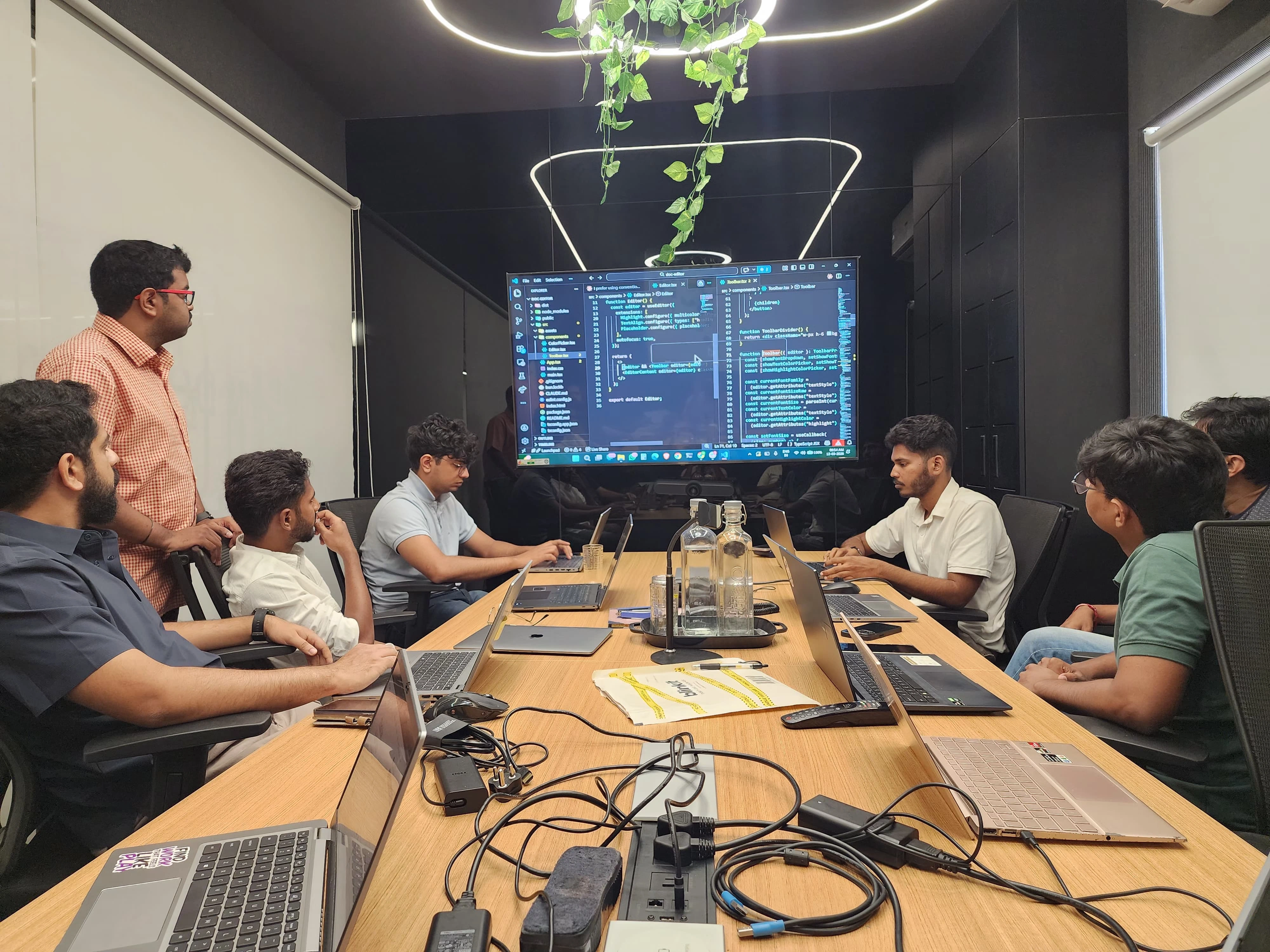
As the session progressed toward 10:15 AM – 10:50 AM, the focus shifted to prompt engineering and AI workflows.
We discussed how structuring prompts properly can significantly improve the quality of AI responses.
Some practical techniques we explored included:
- Breaking requirements into smaller, meaningful chunks
- Providing documentation links as context
- Thinking through edge cases and UI/UX considerations
- Using AI to generate guidelines and documentation
These techniques help us move from simply asking AI questions to collaborating with AI effectively.
Food For Thought
Learning aside, the breakfast break turned out to be just as interesting as the workshop.
Over a delicious breakfast, the tables were full of conversations, people sharing ideas about how AI could be used in our projects, discussing tools, and exchanging different perspectives.
it wasn’t all tech. There were also some fun discussions about India winning the cup also.
Extending AI with Skills and MCP Servers
After the break, around 11:30 AM, we continued with the final part of the workshop.
We explored how AI agents can be extended using Skills and MCP (Model Context Protocol) servers.
This part of the session focused on how AI tools can integrate with real development workflows.
We explored how to:
- Install and create custom AI skills
- Use MCP servers to integrate external tools
- Connect AI tools with external systems
- Automate development workflows using agents
This demonstrated how AI can assist across the entire development lifecycle, not just code generation.
What We Took Away
Some reflections from the team:
“I can easily see my development speed increasing multiple times with these tools.”
“This session showed how AI can assist across the entire development lifecycle, not just code generation.”
“The hands-on approach made the concepts clear and practical.”
Key Takeaways
- AI agents are becoming an essential part of modern development workflows
- Prompt engineering is critical for effective AI collaboration
- Configuration files help guide AI behavior in projects
- Skills and MCP servers extend AI capabilities
- AI significantly amplifies developer productivity
Looking Ahead
This workshop was just the beginning.
This session was a great starting point for us to begin exploring what AI-native development can offer.
The excitement in the room was clear: developers are curious, eager to experiment, and ready to explore this new way of building software.
Huge thanks to Vishnu and Ranjan for sharing their knowledge and patiently walking everyone through the concepts.

 When to Hire CodeWalnut?


